Inbox Sync
You can connect one or multiple inboxes and Presto syncs invoices from there automatically.
Get started
- 01
Connect inbox
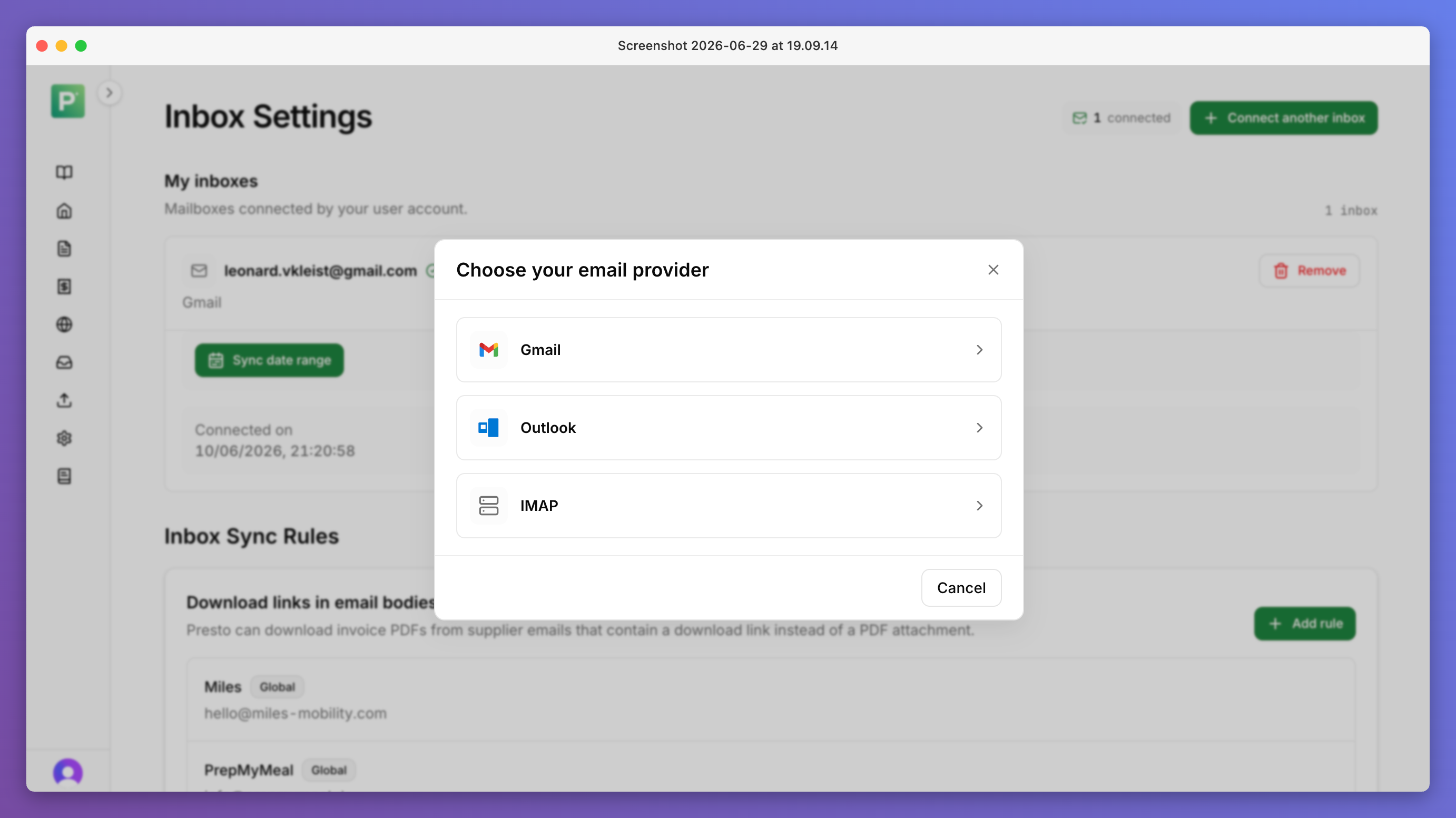
Connect Gmail or Outlook directly, or add other inboxes via IMAP or mail forwarding.
- 02
Presto detects & extracts
Presto finds invoice documents, creates invoice PDFs when needed, and fetches invoices behind download links.
- 03
Invoices land in Presto
Extracted invoices arrive in Presto ready for review, matching, and export.
Connect any inbox
- Supports Outlook and Gmail with direct integrations.
- You can add other inboxes via IMAP or a dedicated mail forwarding address.
- You can also backsync older invoices when you set up an inbox.
- Forwarded invoices and IMAP-synced inboxes go through the same invoice detection and duplicate filtering as direct inbox integrations.
How inbox sync works
- New invoices are synced at least once per hour.
- PDF or image attachments up to 25MB can be synced.
- Presto automatically filters out non-invoice documents and duplicates.
- For suppliers that send invoices in non-standard forms (e.g. Apple sends the invoice in the email body without an attachment, or some suppliers send download links rather than attachments), Presto creates invoice PDFs for these.
- Presto uses EU-hosted AI to detect which documents are invoices, rather than brittle hardcoding based on suppliers or keywords.
Customization
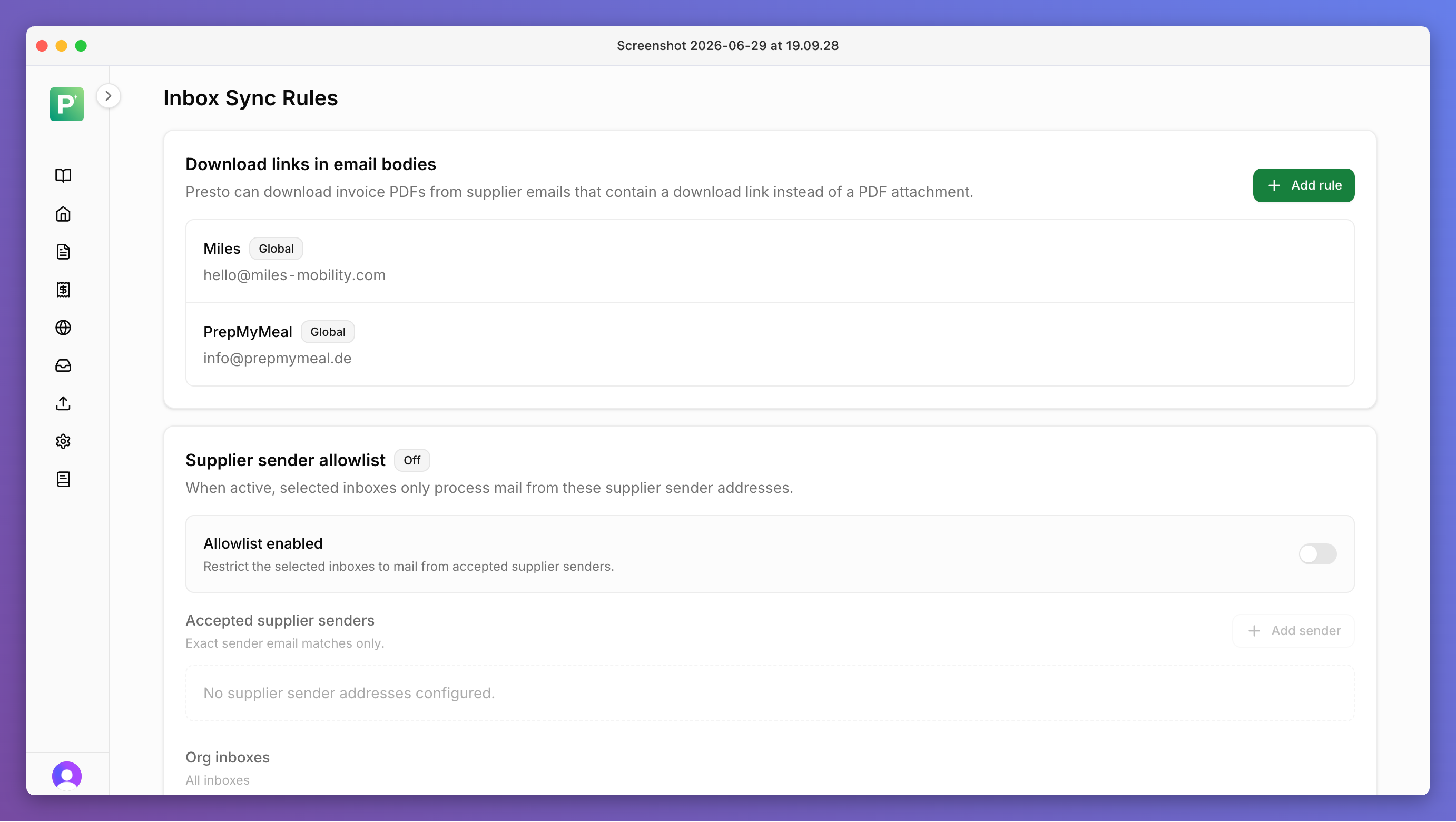
You can customise how inbox sync works by setting sync rules.
- Exclude certain suppliers.
- Allowlist suppliers so that only invoices from them are synced.
Security
- Presto takes extensive precautions to keep your inbox data safe — read more under Security.
- Emails are never stored on our servers.
- All processing happens in Europe, with EU-only hosting and Zero Data Retention agreements in place for LLM providers.