Export
Presto can export invoices to your accounting tool or forward them to your accountant either automatically or based on different criteria.
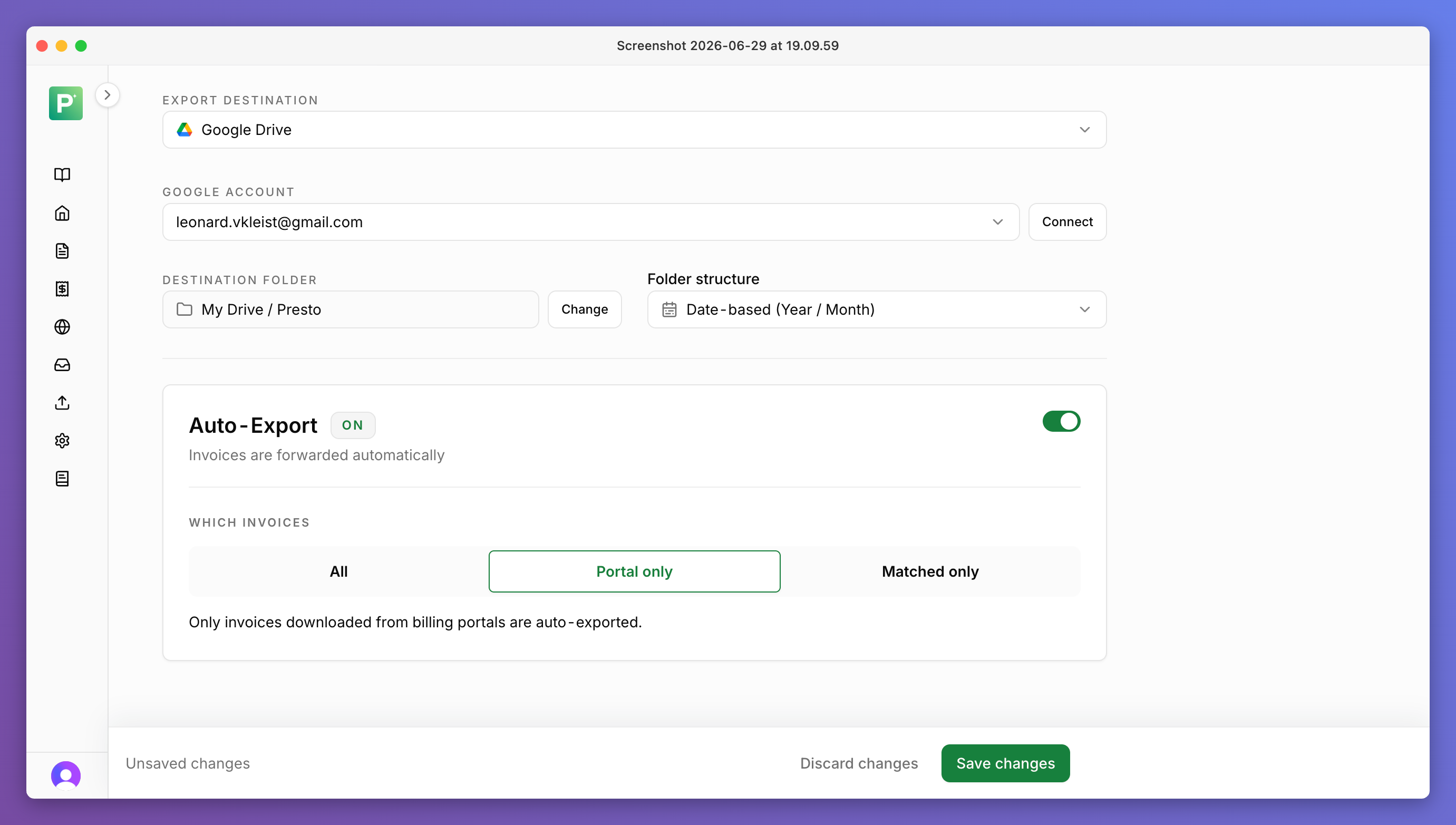
Export options
- Manual
- Presto doesn't export anything automatically — you review and export invoices.
- Fully automatic
- Presto exports all invoices automatically when they arrive.
- Matched invoices
- Presto only exports invoices automatically that have been matched to a bank transaction.
- Portal invoices
- Presto only exports invoices downloaded from suppliers' billing portals (as opposed to inbox) automatically.
Export destinations
You can also configure multiple different export destinations, e.g. for different sub-entities of your company.

DATEV

Qonto

Revolut Business

BuchhaltungsButler

LexOffice
Agenda
Agenda (Beta)
sevDesk
sevDesk

Bexio

Google Drive
OneDrive
OneDrive
Email Forwarding
Xero
Xero
Sage
Sage

Pennylane
If you don't see your desired export destination here, reach out at info@prestoinvoices.com and we'll add it.